
Tool review
A product's tool reaches an agent only once staff approve that exact version. A tool's name, title, description, input schema and annotations are words an agent reads and acts on, so a change to any of them waits for review again.
How a tool is reviewed
- The gateway lists the product's tools and hashes every word an agent would read of each one.
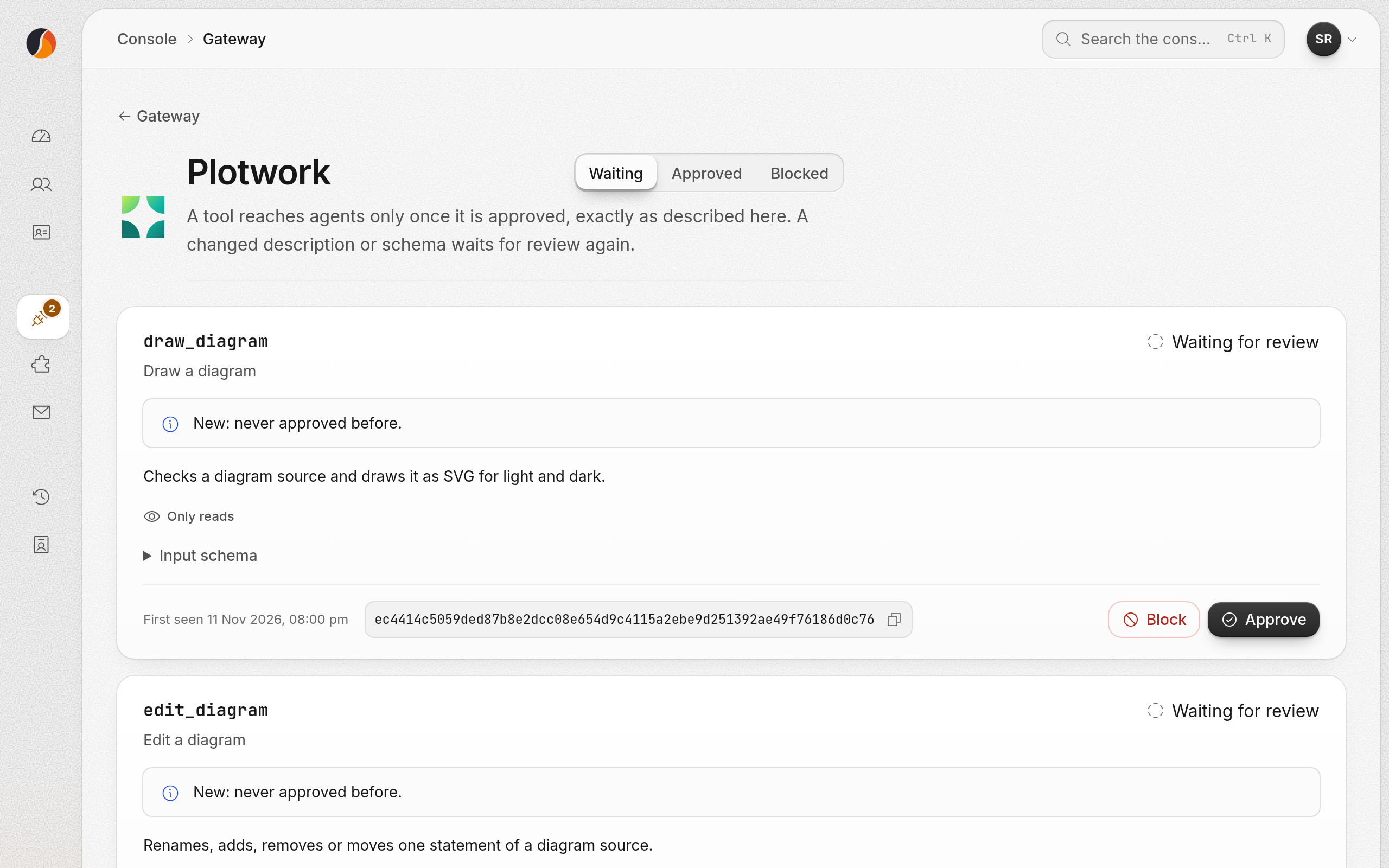
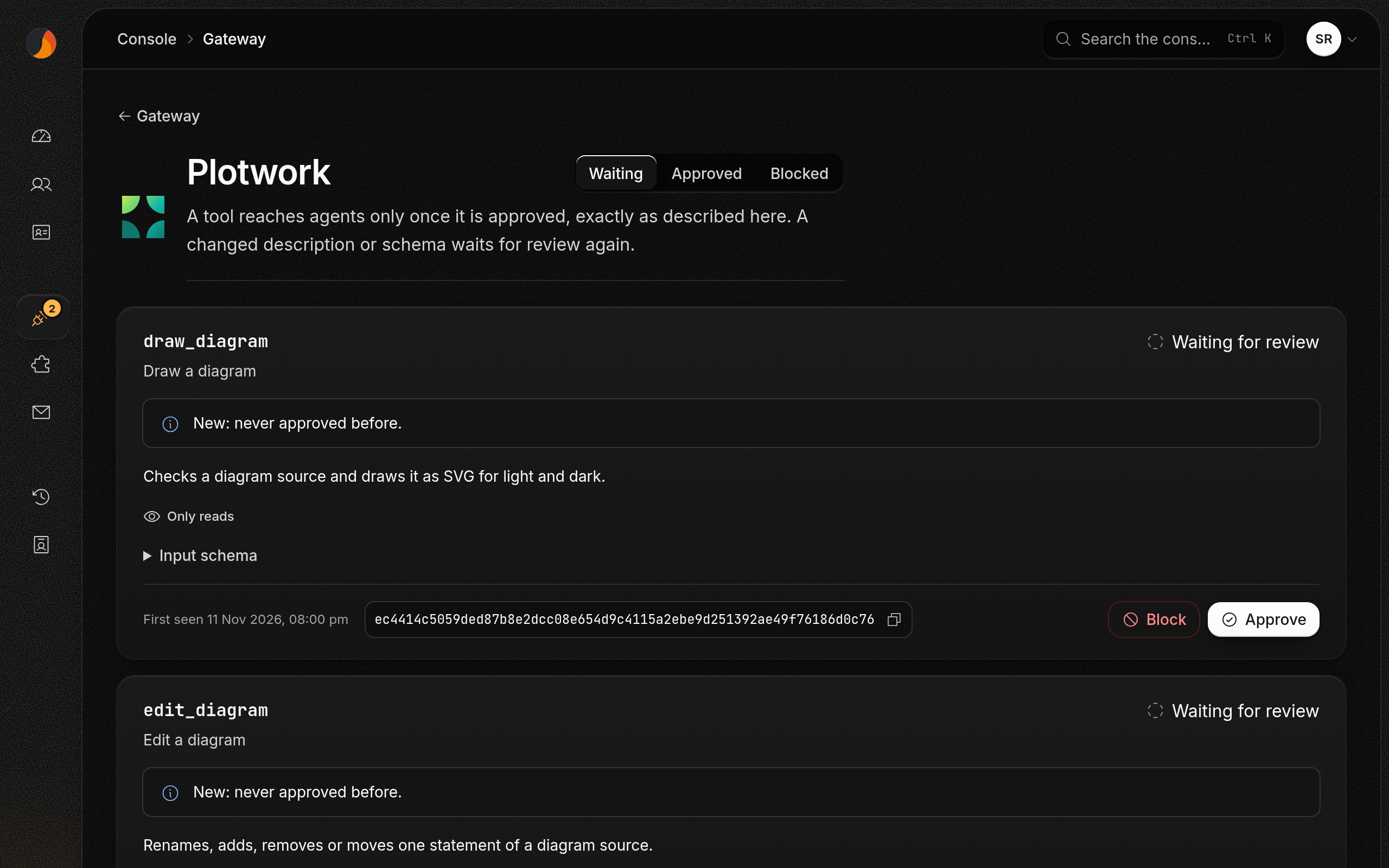
- A version it has not seen is recorded as waiting for review. It is not listed to any agent.
- Staff read it in the staff console, under Gateway tools, and approve or block it, with a reason.
- An approved version is listed from the next read, named
<product>__<tool>. A blocked one is never listed, and a call to it is refused. - If the product changes a word, that is a new version and it waits again. The last approved version is not listed in its place.
What this means for a product
| Do | Why |
|---|---|
| Keep tool descriptions stable between releases | Each change hides the tool until staff approve it again |
| Tell staff before a release that changes a tool | So the review is ready when it ships |
| Keep an input schema under 32 KB and annotations under 4 KB | A tool that does not fit is left out, not passed through |
Name tools with letters, digits, _, . and -, up to 96 | Any other name is left out |
Set readOnlyHint and destructiveHint honestly | Agents and staff both read them |
Turning a product off
Staff can turn a product off at the gateway at once, from Gateway in the console. Its tools stop being listed for everybody; nothing is disconnected, and turning it on brings them back.